The Story
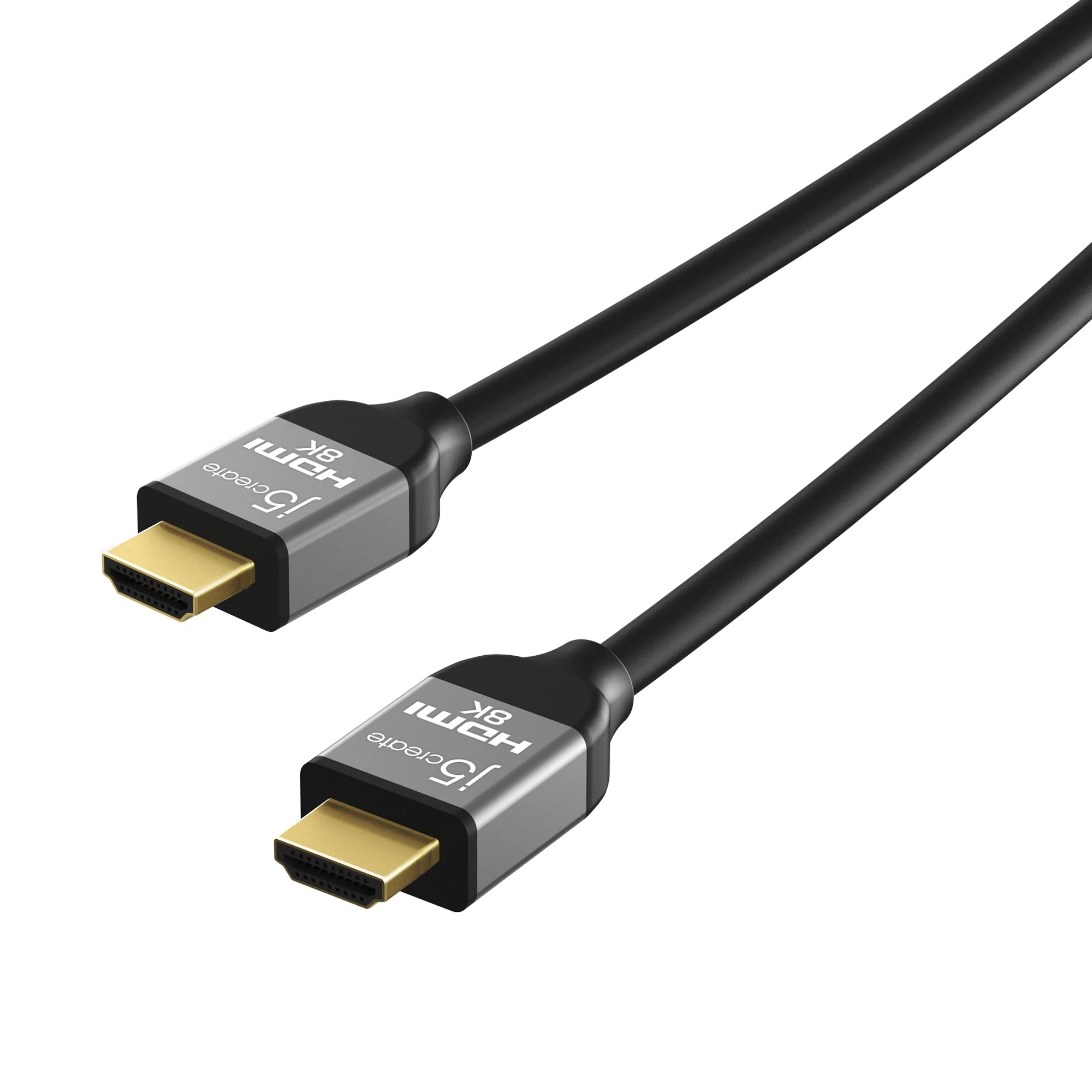
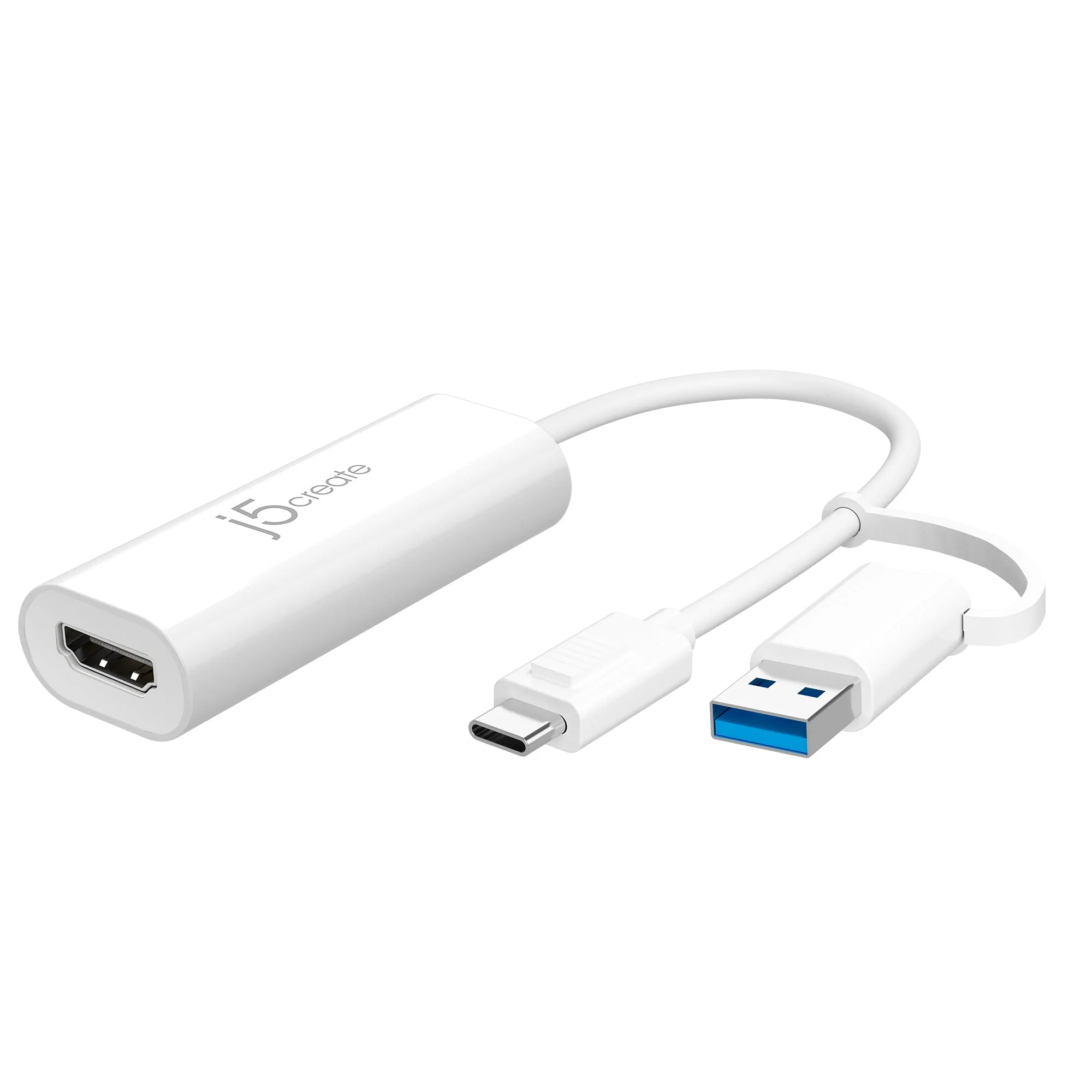
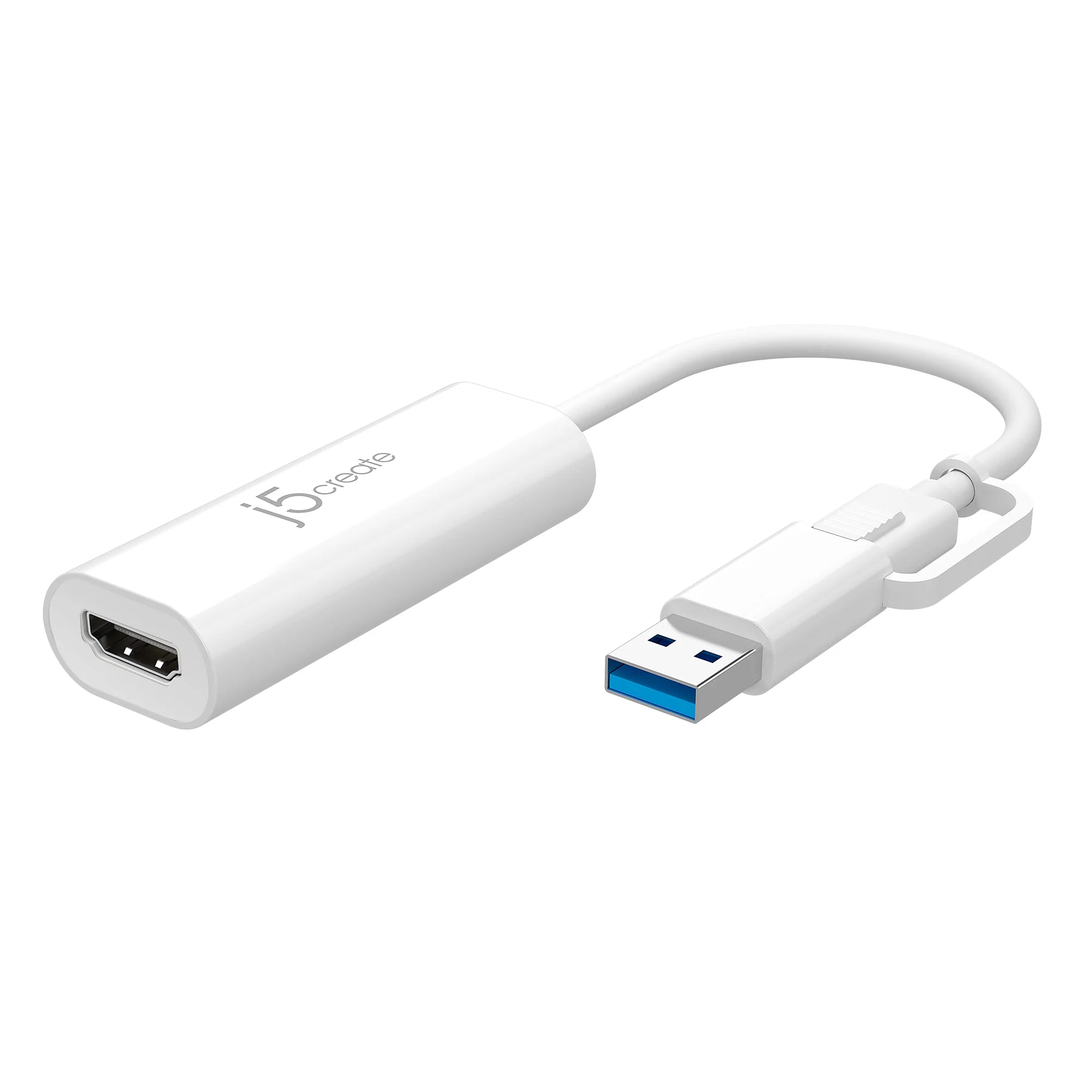
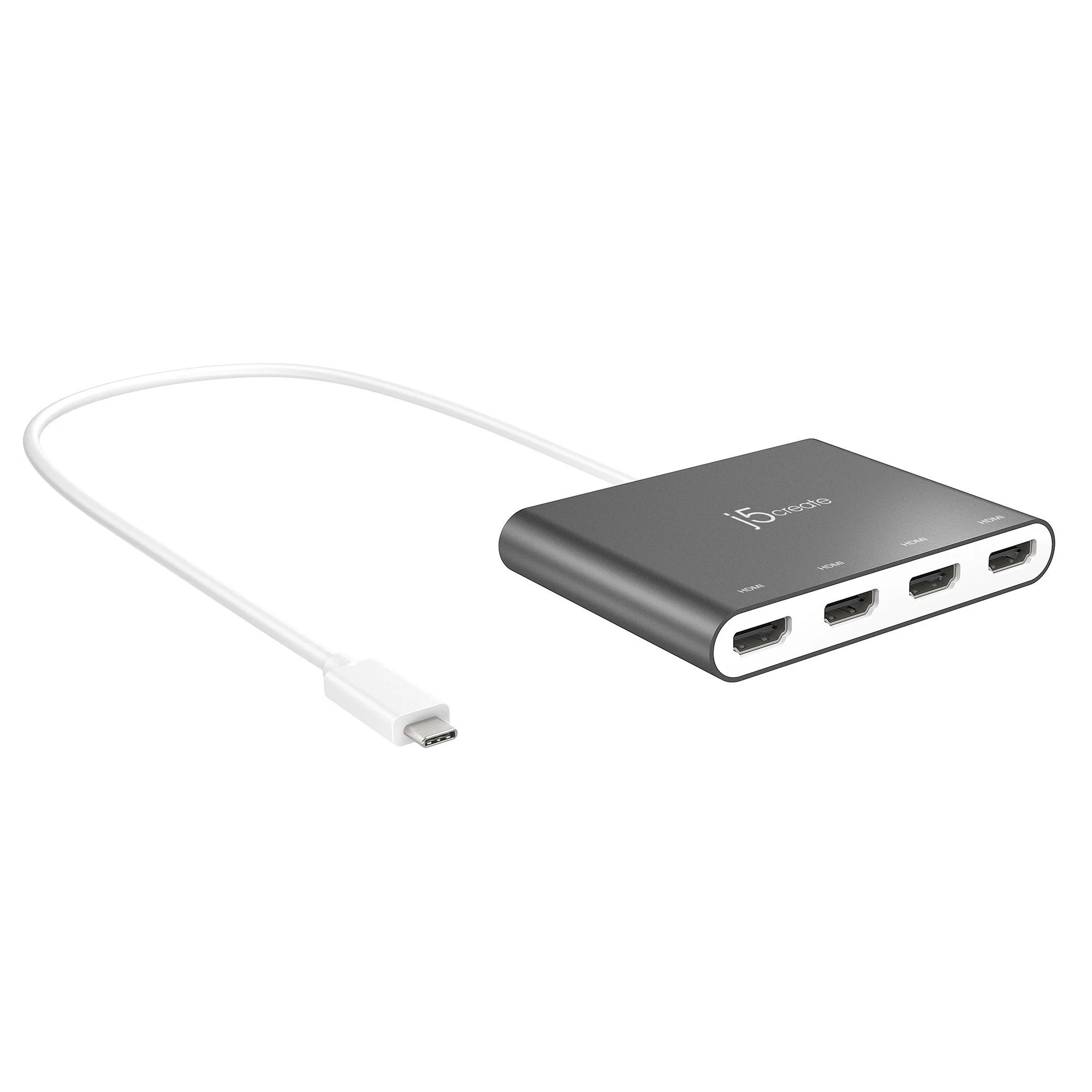
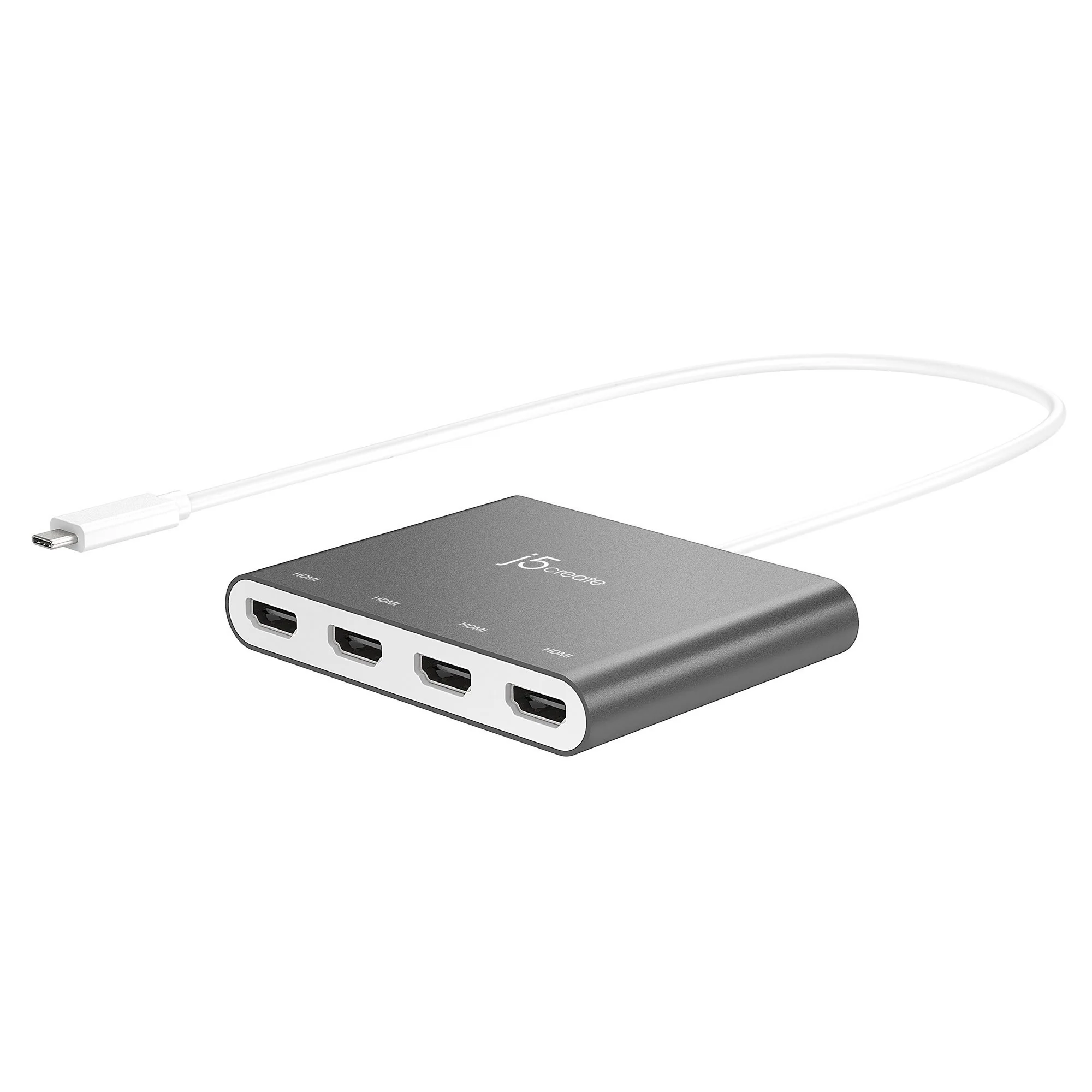
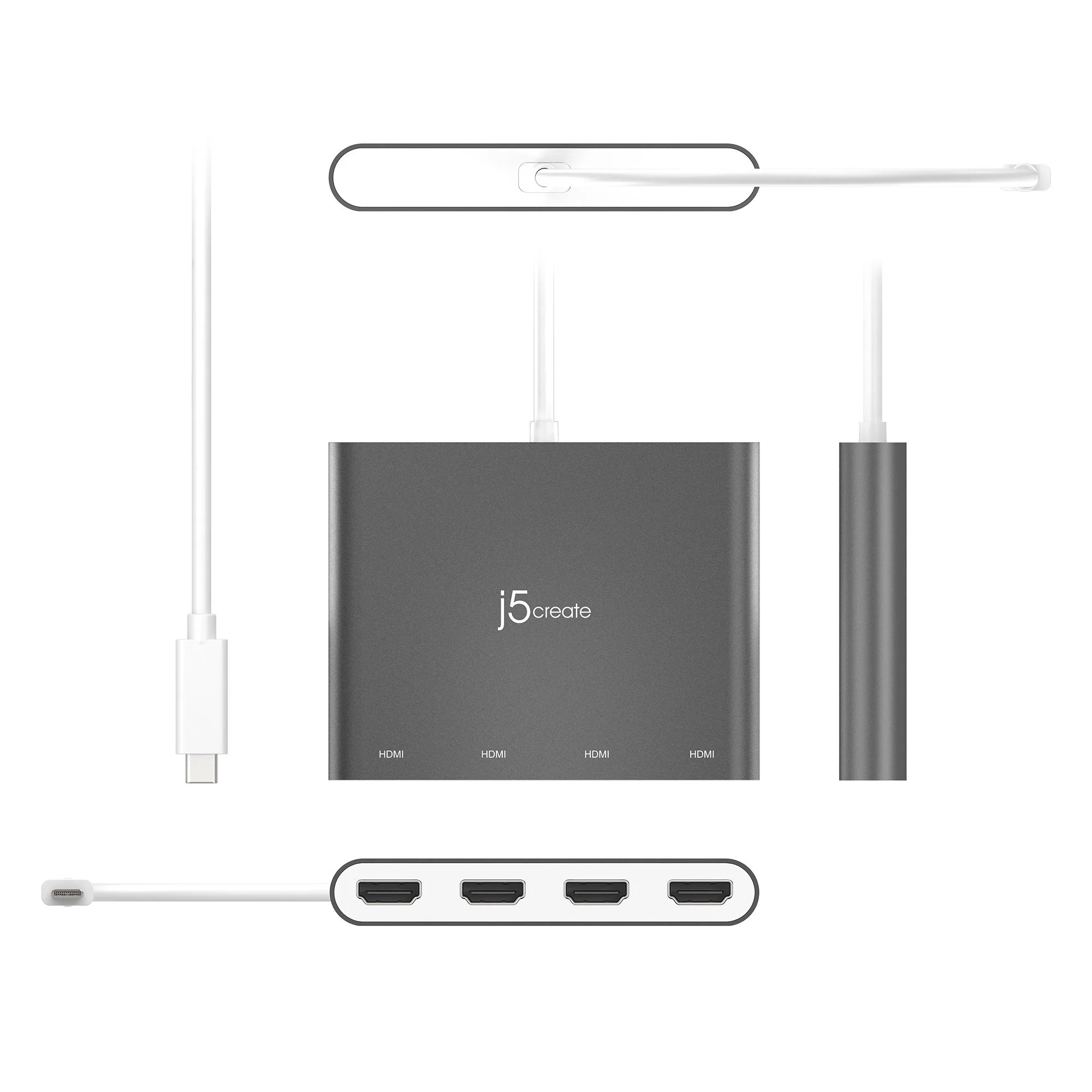
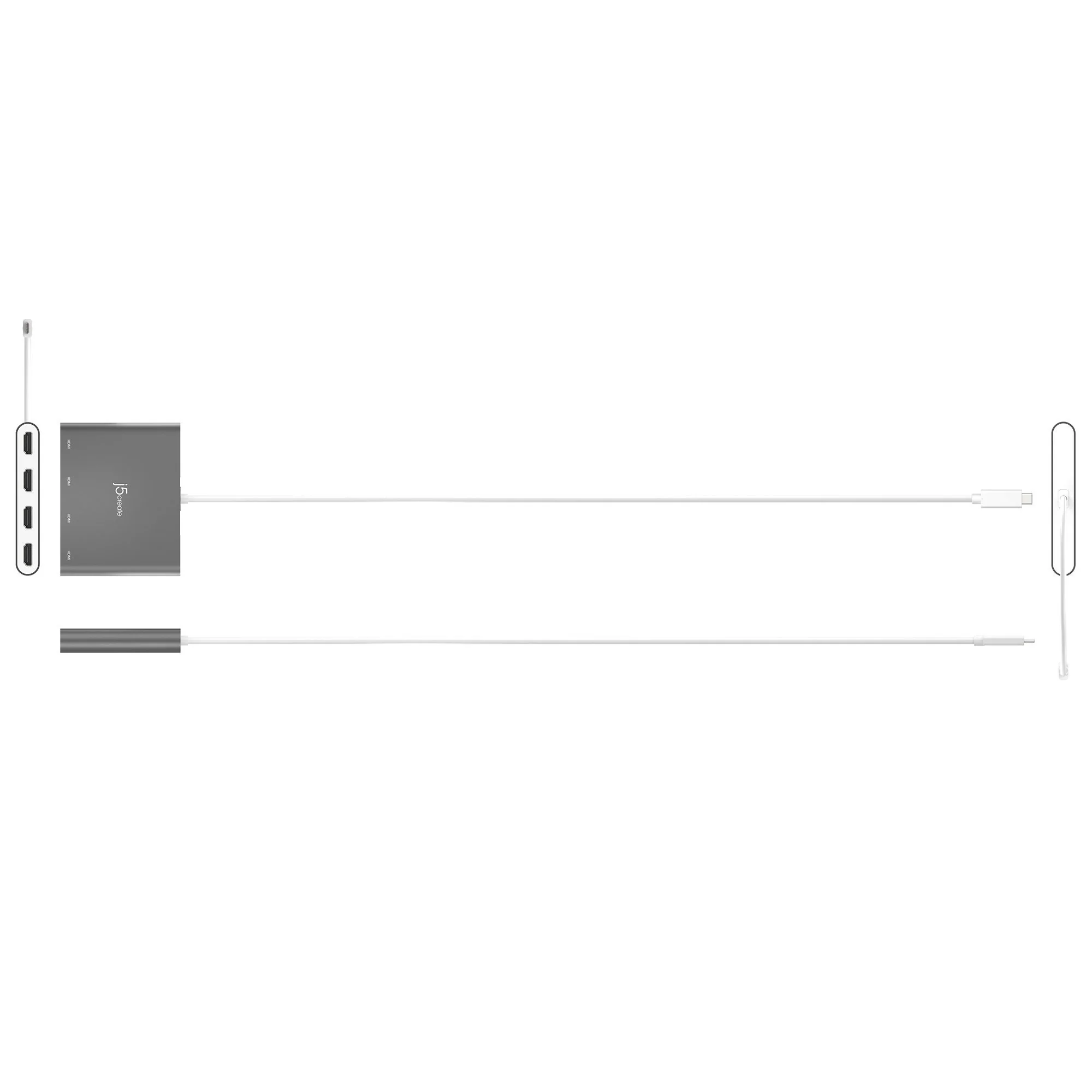
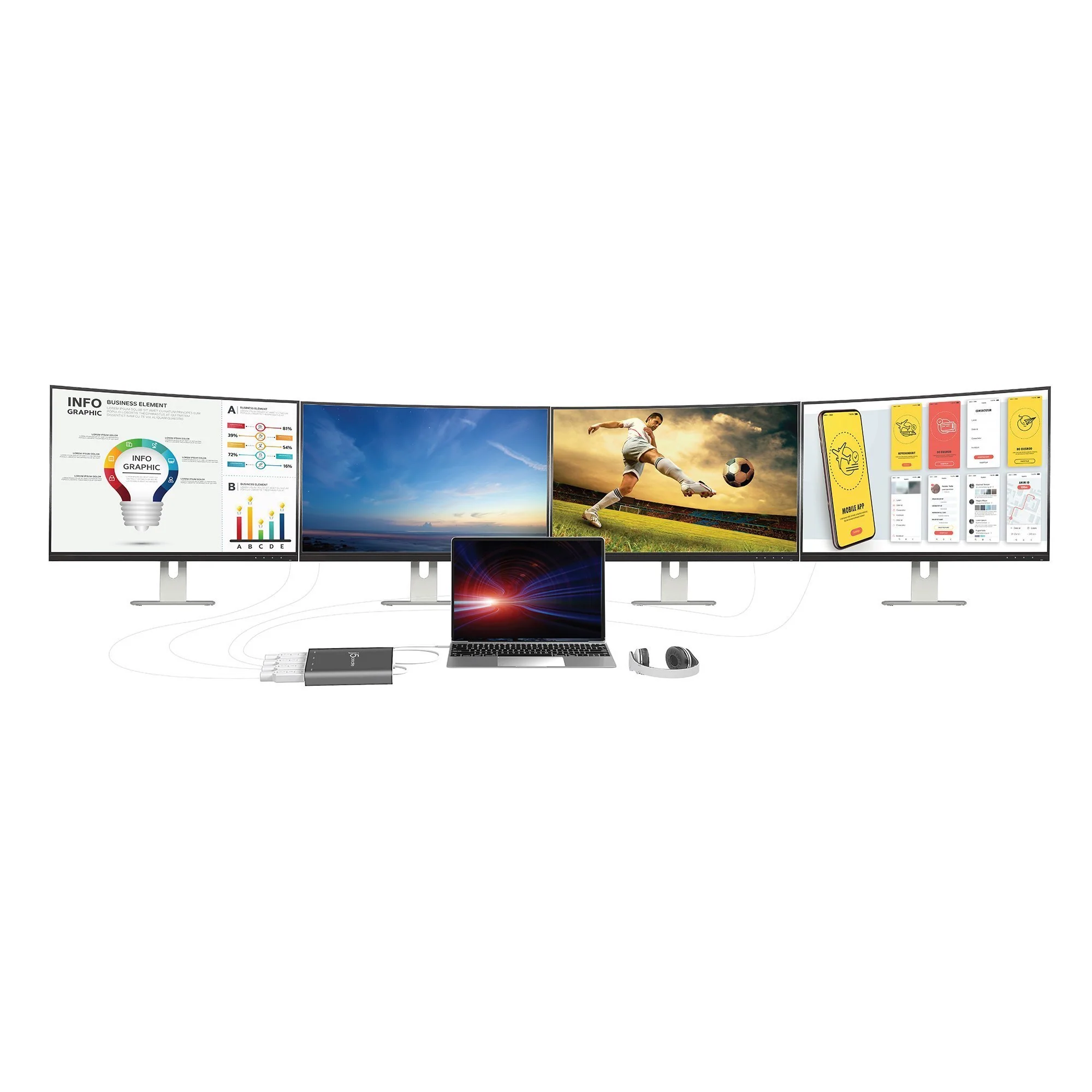
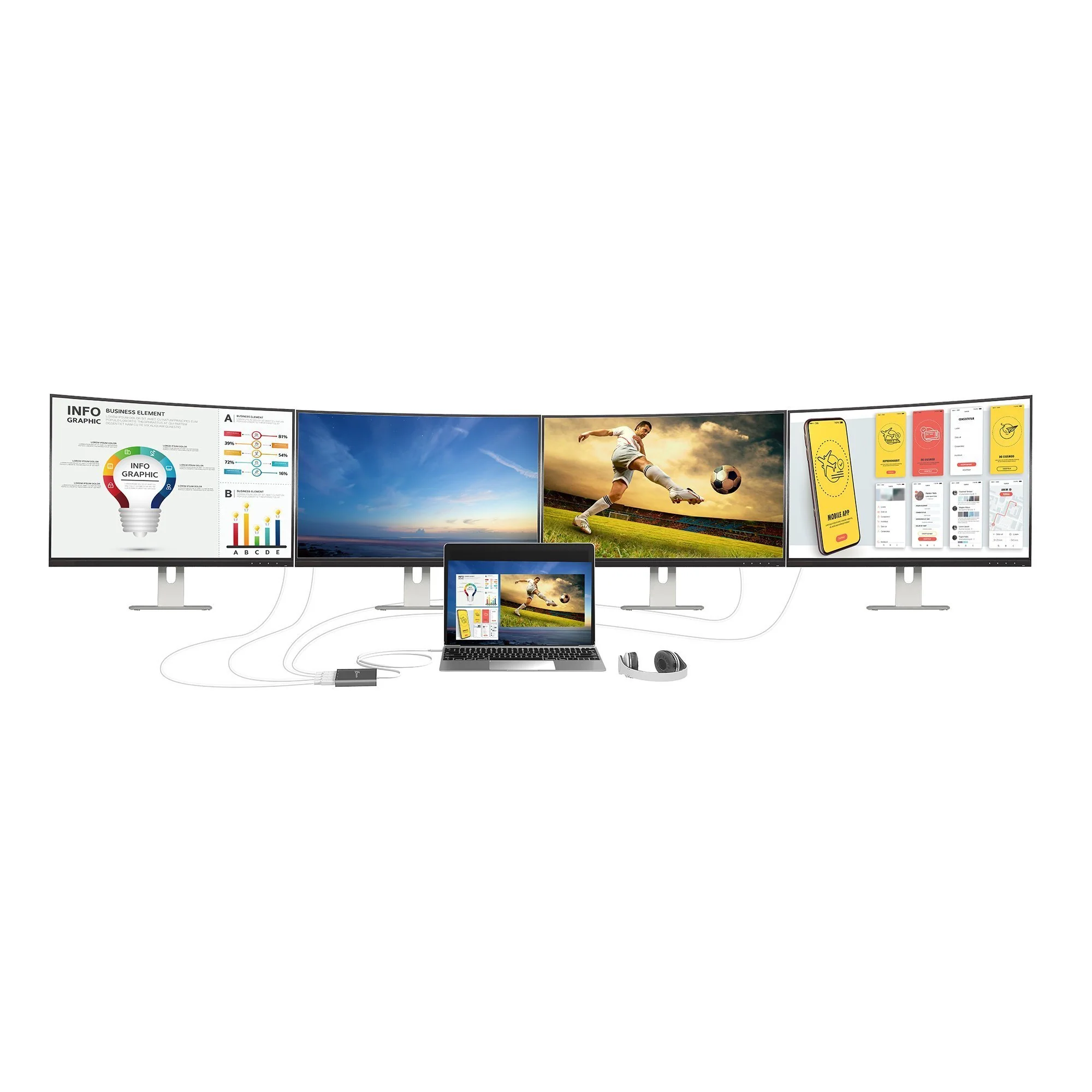
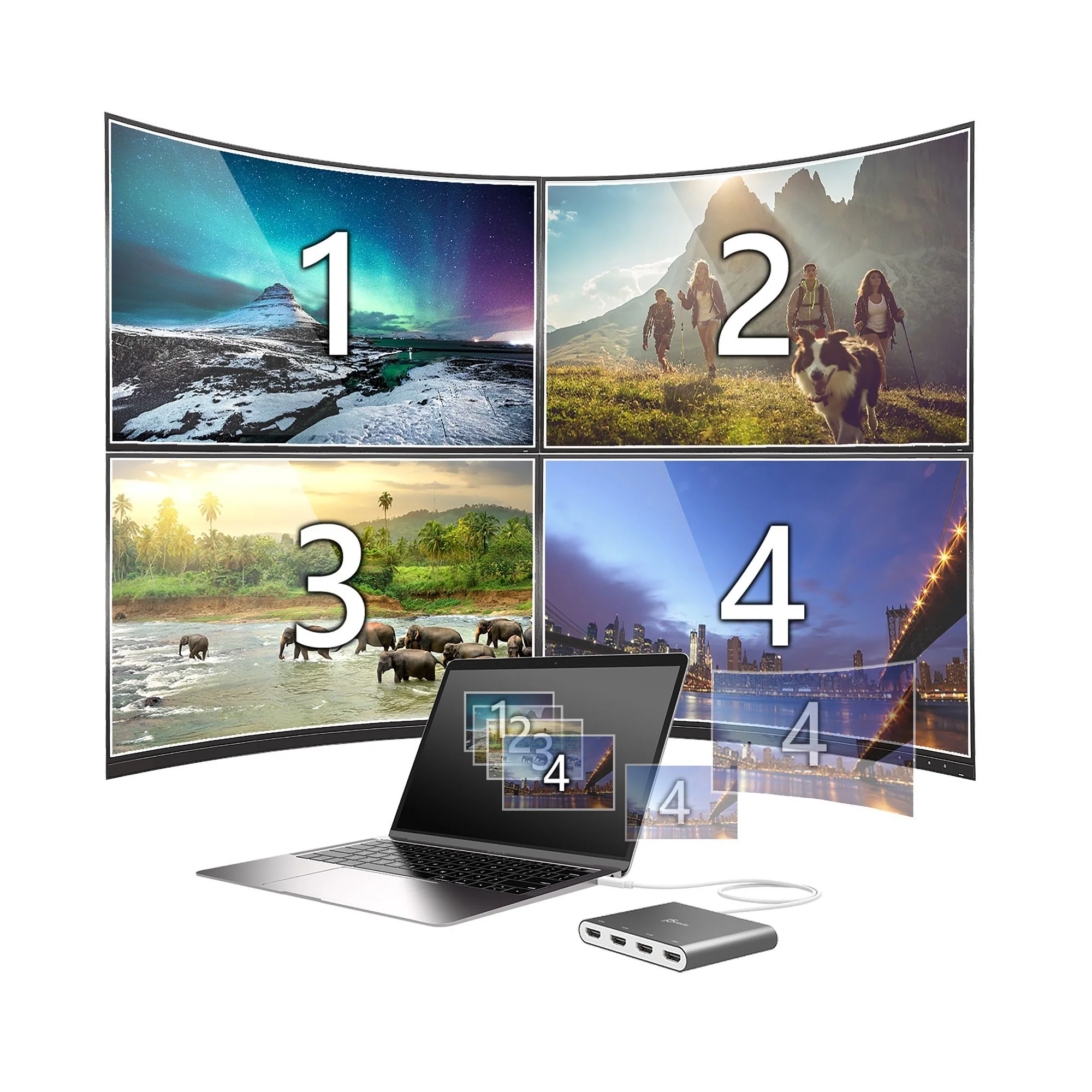
The USB-C® to 4-port HDMI™ Multi-Monitor Adapter functions as an external video card for your MacBook® or personal computer. It allows you to add four additional monitors/displays through your USB-C® port.
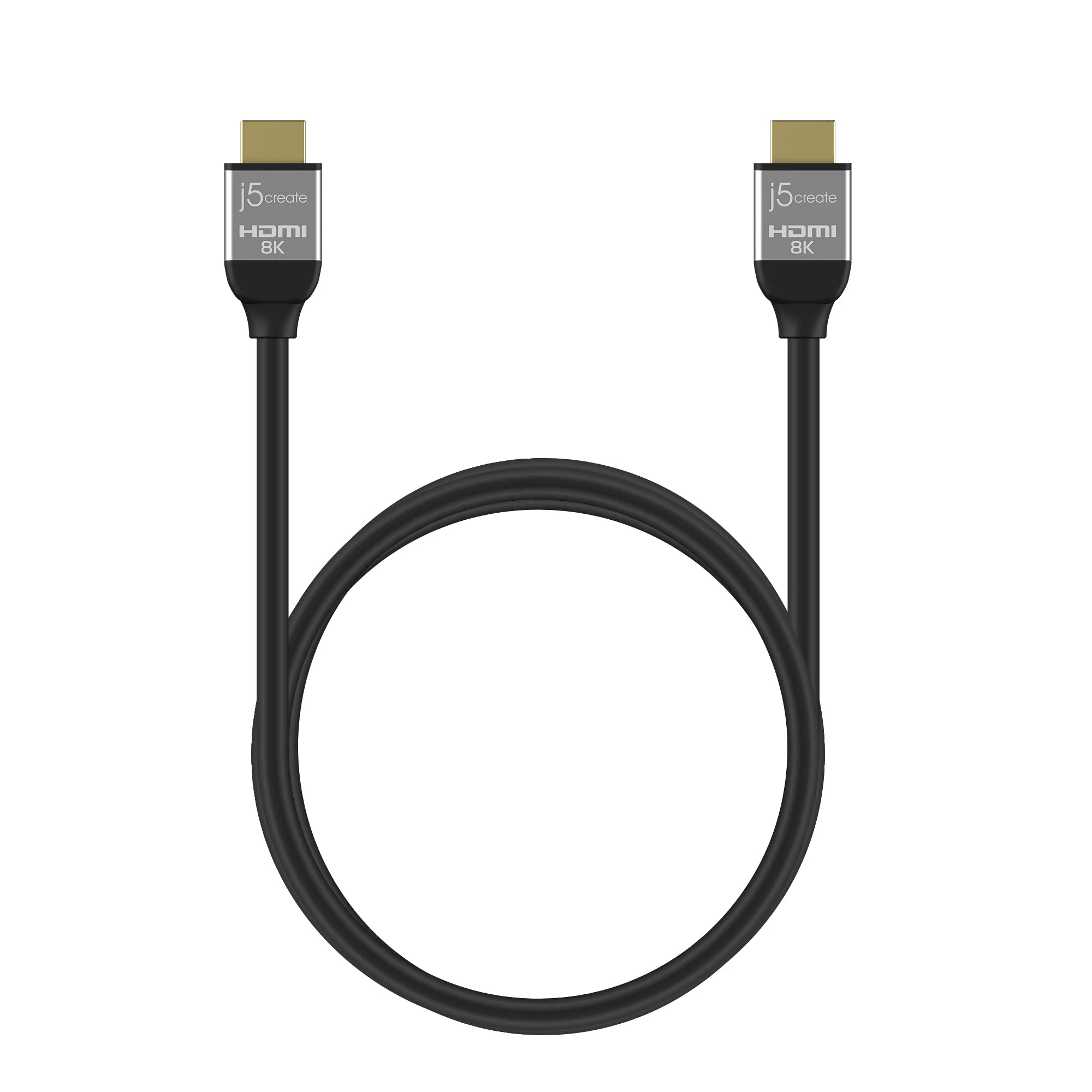
This is the perfect alternative to a costly video card. With the JCA366, you can quickly install the driver with a simple USB-C® plug-in. Afterwards, connect your device to your monitors using HDMI™ cables and you have just created a new visual environment in seconds.
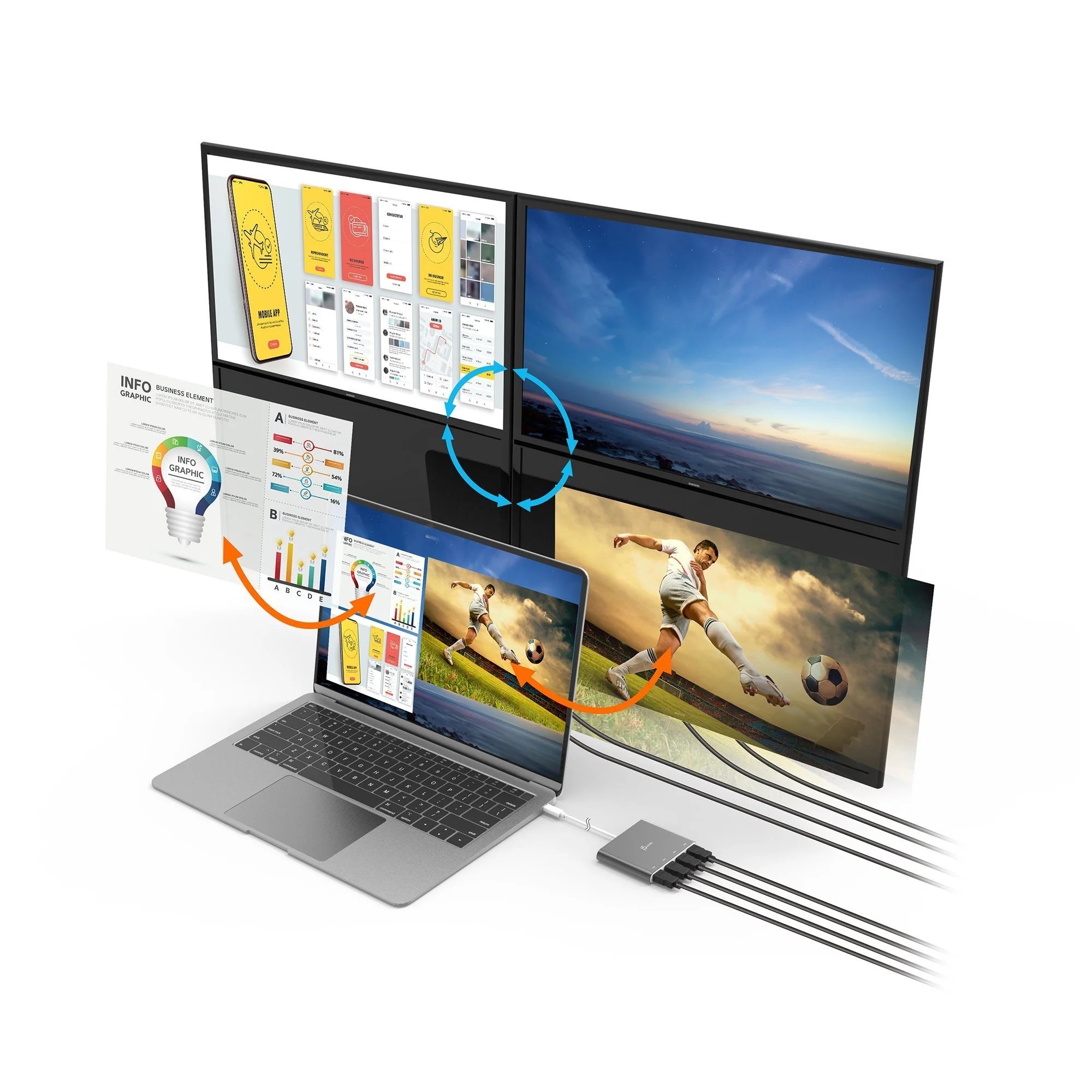
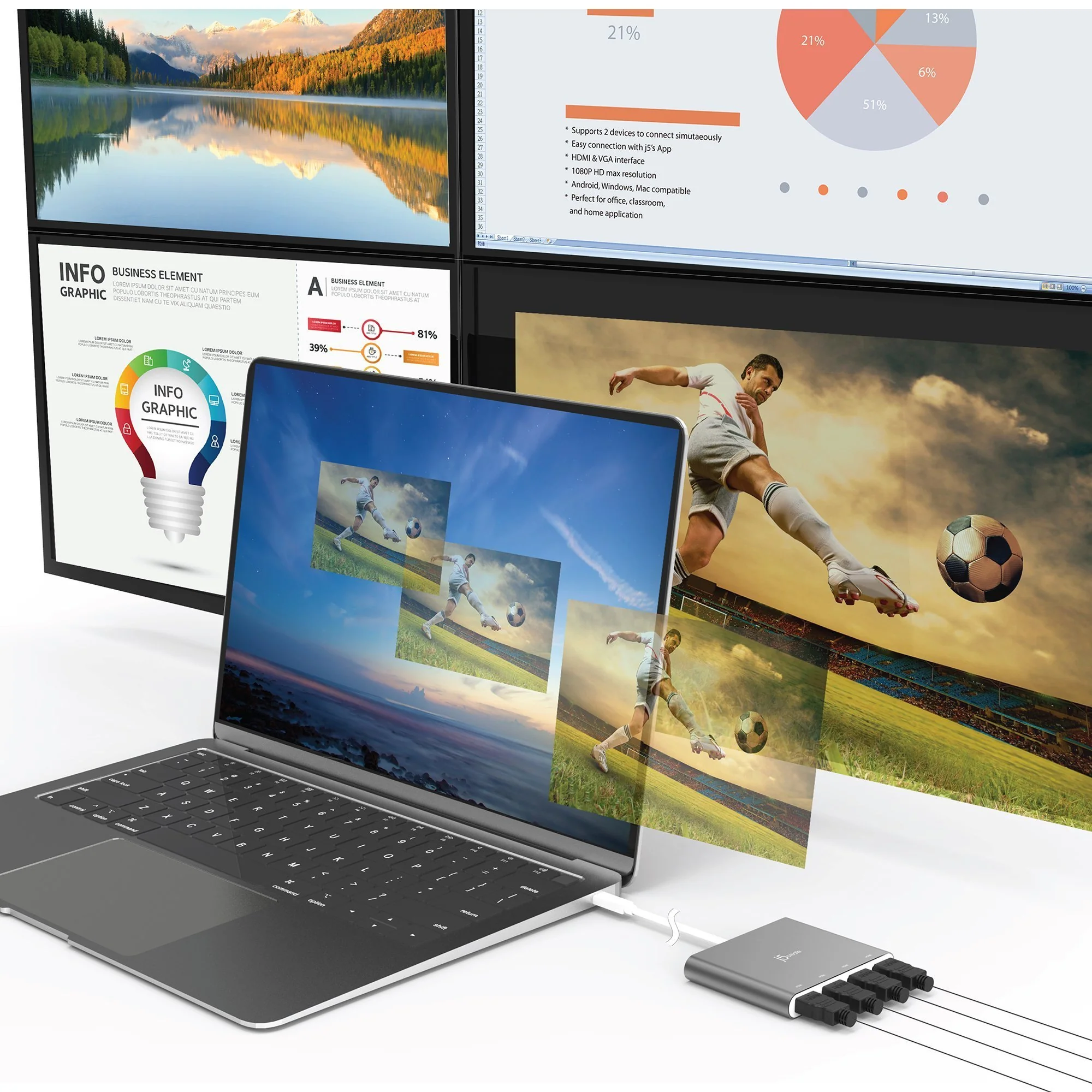
With this multi-monitor adapter, you can extend your desktop across multiple displays, clone one screen onto another, and have individual applications displayed on each monitor.
You can also enable additional features with the Multi-Monitor Assistant Application for your Windows® devices.
Features
-
• INCREASE PRODUCTIVITY WITH MULTIPLE DISPLAY MODES:
Multitask with a larger landscape/desktop space. Move and view your large programs across four screens without overlapping windows. Ideal for viewing multiple windows at the same time to enhance productivity for standard business applications.
-
• FREE APPLICATION - QUICKLY ASSIGN MULTIPLE WINDOWS:
The Multi-Monitor Assistant application assists with dragging, dropping, zooming in & out, cursor display cycle, cascading windows to the main display and windows expansion cycle on multiple monitors with simple moves (Currently available for Windows® only).
-
• 1080p HDMI™ RESOLUTION WITH STEREO AUDIO:
1920 x 1080 @ 60 Hz, with 1080p Video Playback; Display Rotation: 0°, 90°, 180° & 270°. HDMI™ ports support 48 kHz imbedded audio.
-
• MINIMIZE SYSTEM RESOURCES:
Easily add additional displays through the USB-C® to HDMI™ connection without adding an expensive, internal video card that makes installation complicated.
-
• FAST INSTALLATION:
Simply install the driver, plug-in the USB-C® and it’s ready to go.
-
• NO EXTERNAL POWER REQUIRED:
USB™ powered by the computer, over SuperSpeed USB™ 3.0 / 3.1
Details & Craftsmanship
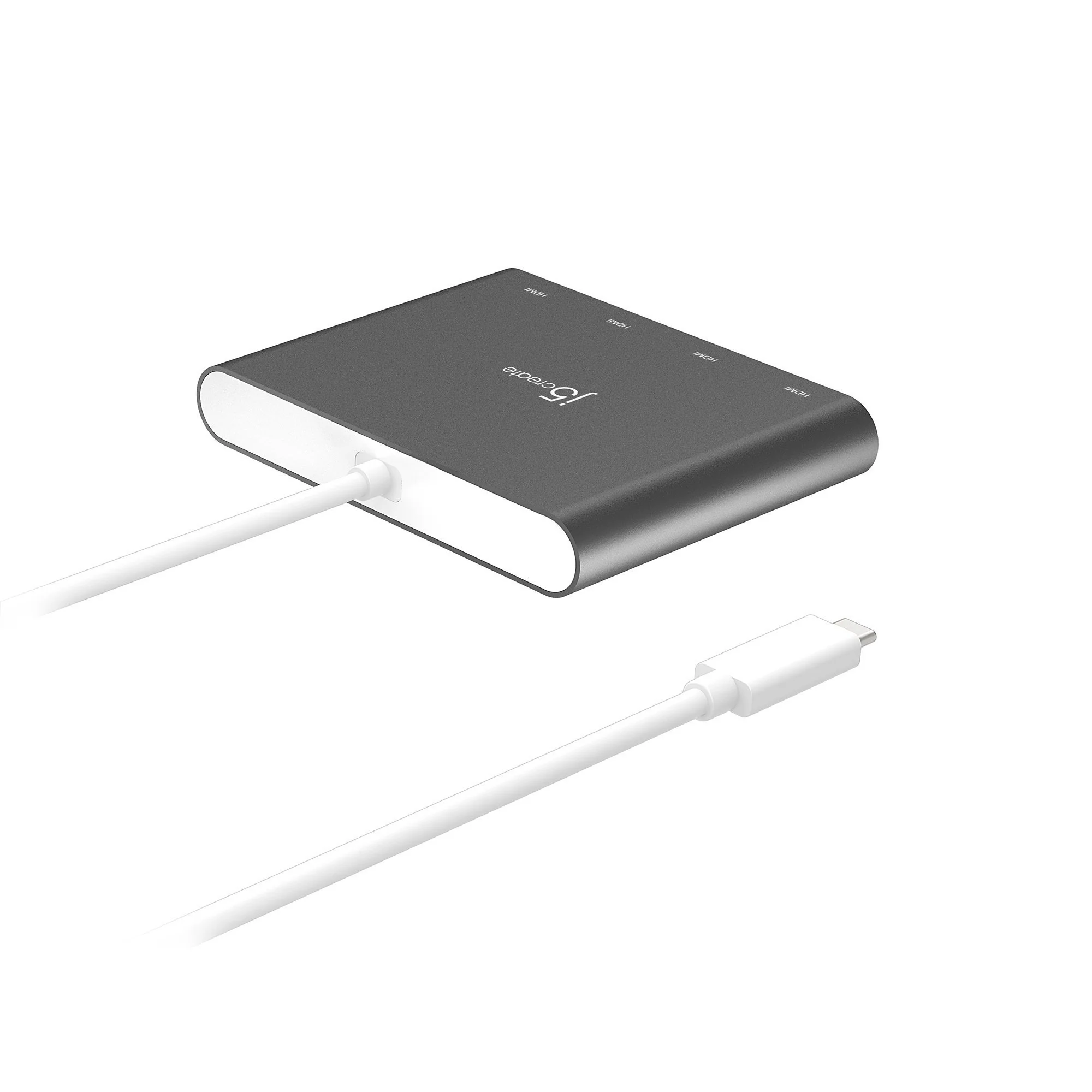
Every detail has been carefully considered to bring you the perfect product.
Details & Craftsmanship
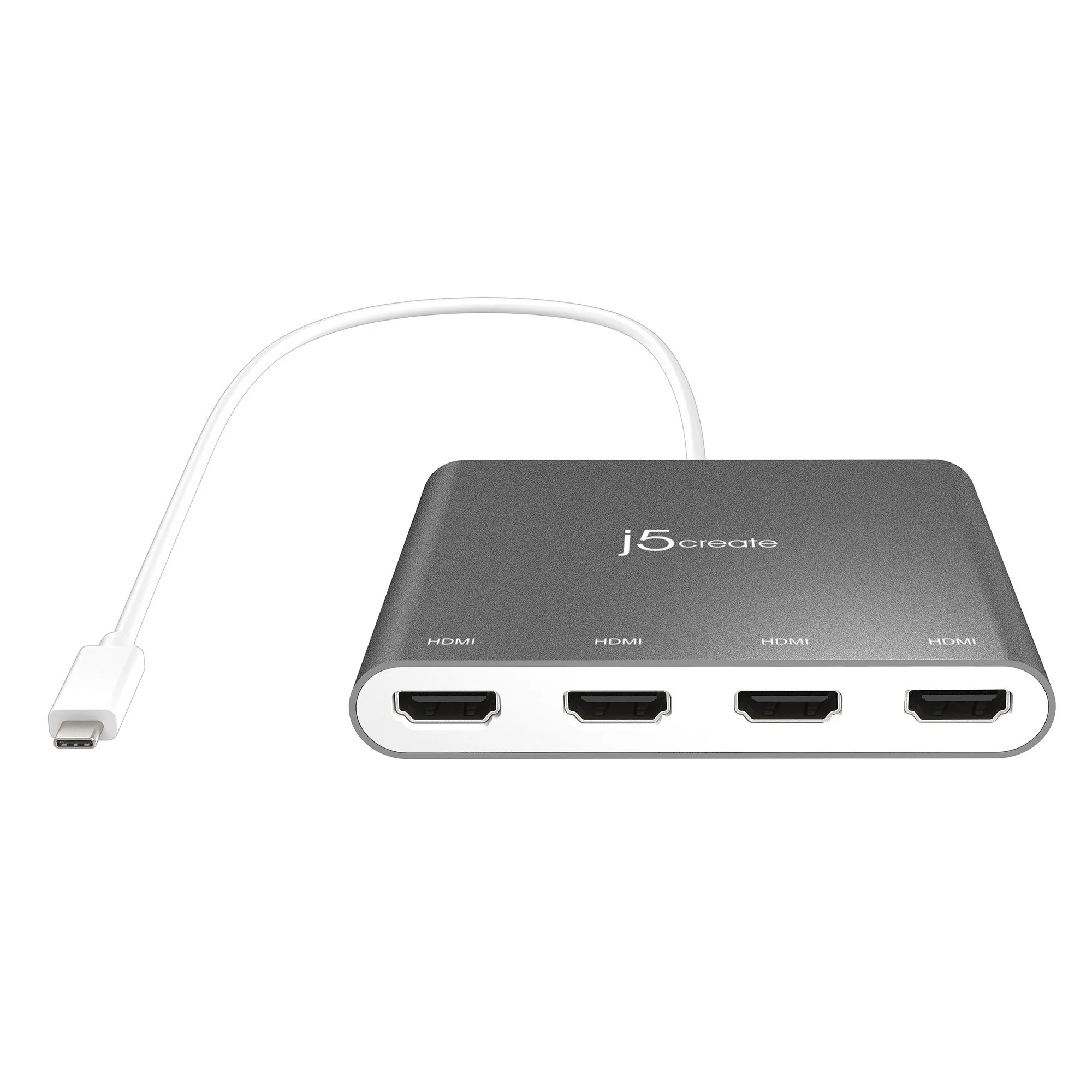
Every detail has been carefully considered to bring you the perfect product.
Details & Craftsmanship
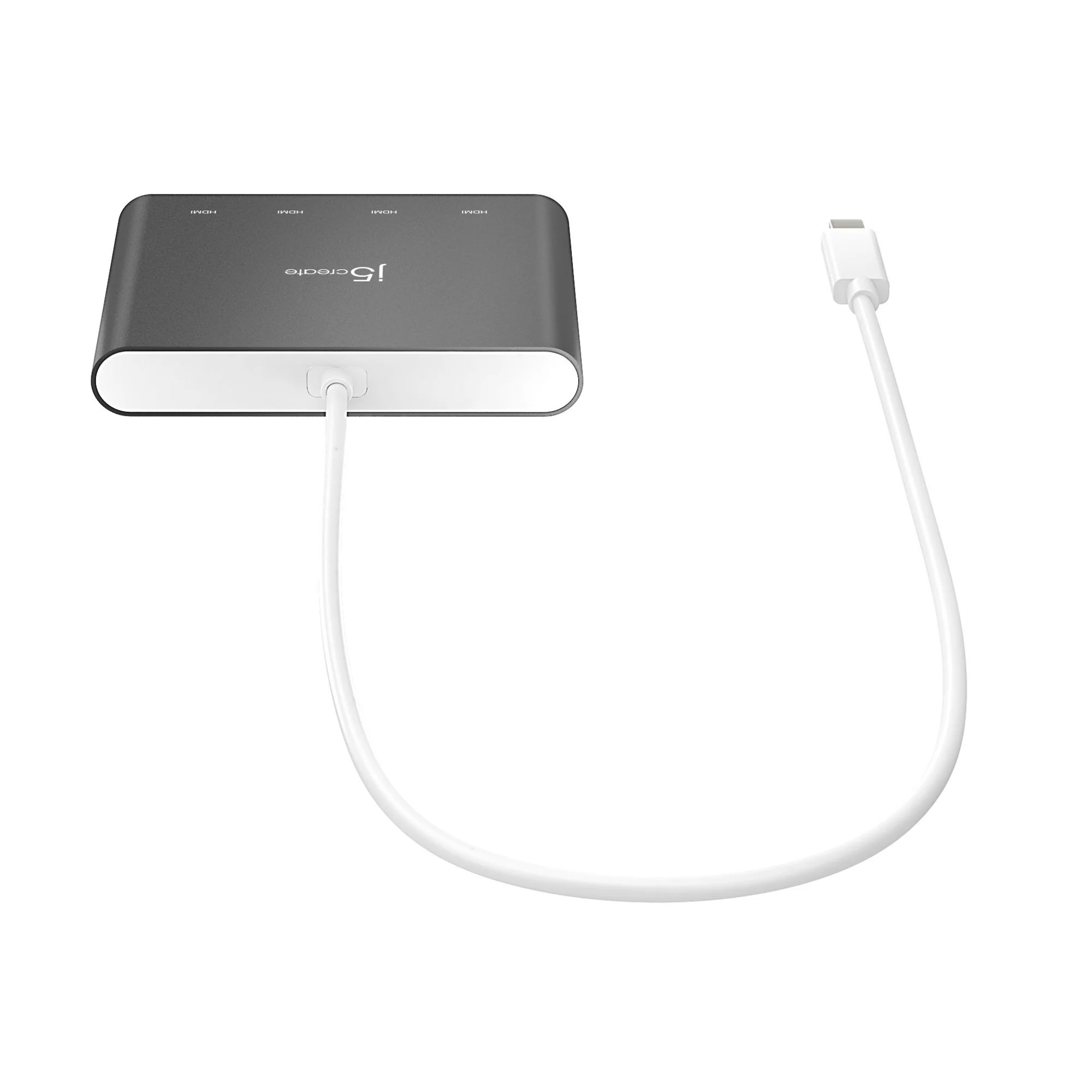
Every detail has been carefully considered to bring you the perfect product.
Details & Craftsmanship
Every detail has been carefully considered to bring you the perfect product.
Details & Craftsmanship
Every detail has been carefully considered to bring you the perfect product.
Details & Craftsmanship
Every detail has been carefully considered to bring you the perfect product.
Details & Craftsmanship
Every detail has been carefully considered to bring you the perfect product.
Details & Craftsmanship
Every detail has been carefully considered to bring you the perfect product.
Details & Craftsmanship
Every detail has been carefully considered to bring you the perfect product.
Details & Craftsmanship
Every detail has been carefully considered to bring you the perfect product.
Details & Craftsmanship
Every detail has been carefully considered to bring you the perfect product.
Description
The USB-C® to 4-port HDMI™ Multi-Monitor Adapter functions as an external video card for your MacBook® or personal computer. It allows you to add four additional monitors/displays through your USB-C® port.
This is the perfect alternative to a costly video card. With the JCA366, you can quickly install the driver with a simple USB-C® plug-in. Afterwards, connect your device to your monitors using HDMI™ cables and you have just created a new visual environment in seconds.
With this multi-monitor adapter, you can extend your desktop across multiple displays, clone one screen onto another, and have individual applications displayed on each monitor.
You can also enable additional features with the Multi-Monitor Assistant Application for your Windows® devices.
Features
-
• INCREASE PRODUCTIVITY WITH MULTIPLE DISPLAY MODES:
Multitask with a larger landscape/desktop space. Move and view your large programs across four screens without overlapping windows. Ideal for viewing multiple windows at the same time to enhance productivity for standard business applications.
-
• FREE APPLICATION - QUICKLY ASSIGN MULTIPLE WINDOWS:
The Multi-Monitor Assistant application assists with dragging, dropping, zooming in & out, cursor display cycle, cascading windows to the main display and windows expansion cycle on multiple monitors with simple moves (Currently available for Windows® only).
-
• 1080p HDMI™ RESOLUTION WITH STEREO AUDIO:
1920 x 1080 @ 60 Hz, with 1080p Video Playback; Display Rotation: 0°, 90°, 180° & 270°. HDMI™ ports support 48 kHz imbedded audio.
-
• MINIMIZE SYSTEM RESOURCES:
Easily add additional displays through the USB-C® to HDMI™ connection without adding an expensive, internal video card that makes installation complicated.
-
• FAST INSTALLATION:
Simply install the driver, plug-in the USB-C® and it’s ready to go.
-
• NO EXTERNAL POWER REQUIRED:
USB™ powered by the computer, over SuperSpeed USB™ 3.0 / 3.1